Simulation Visualization
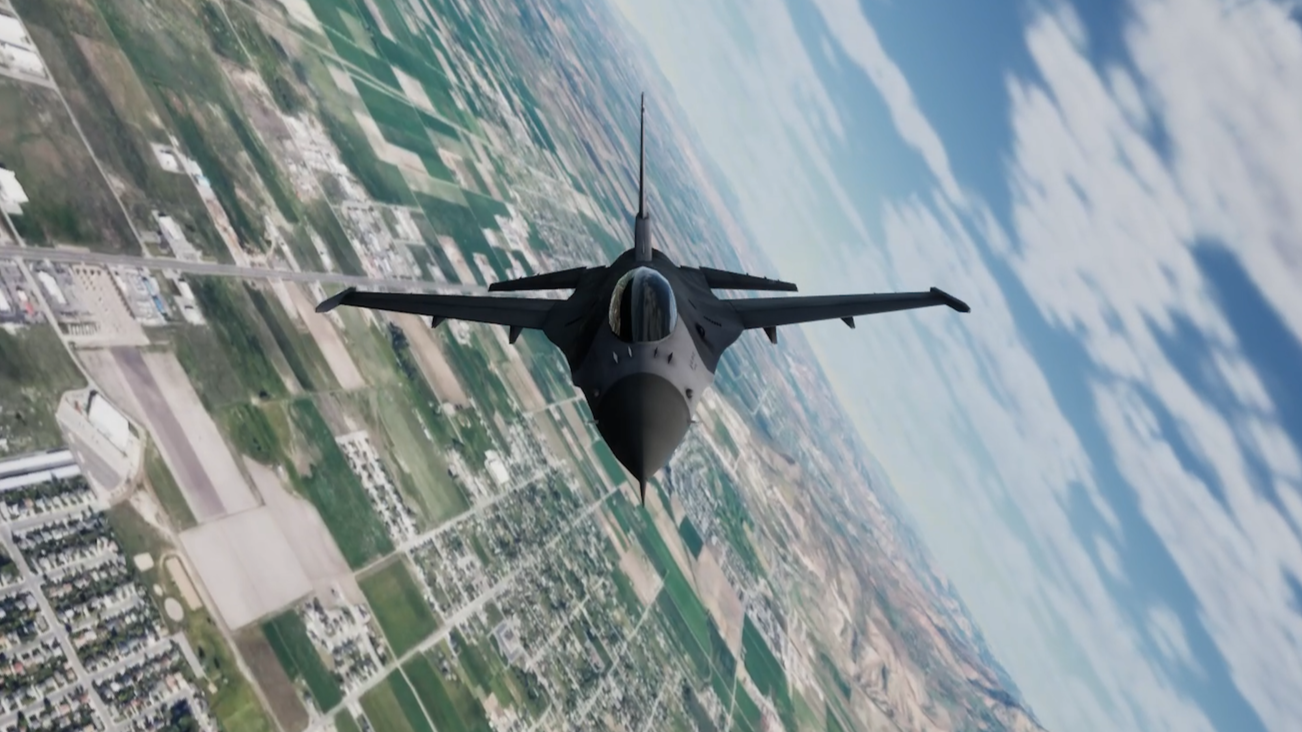
Unreal Engine 5
Cesium Terrain Modeling

-
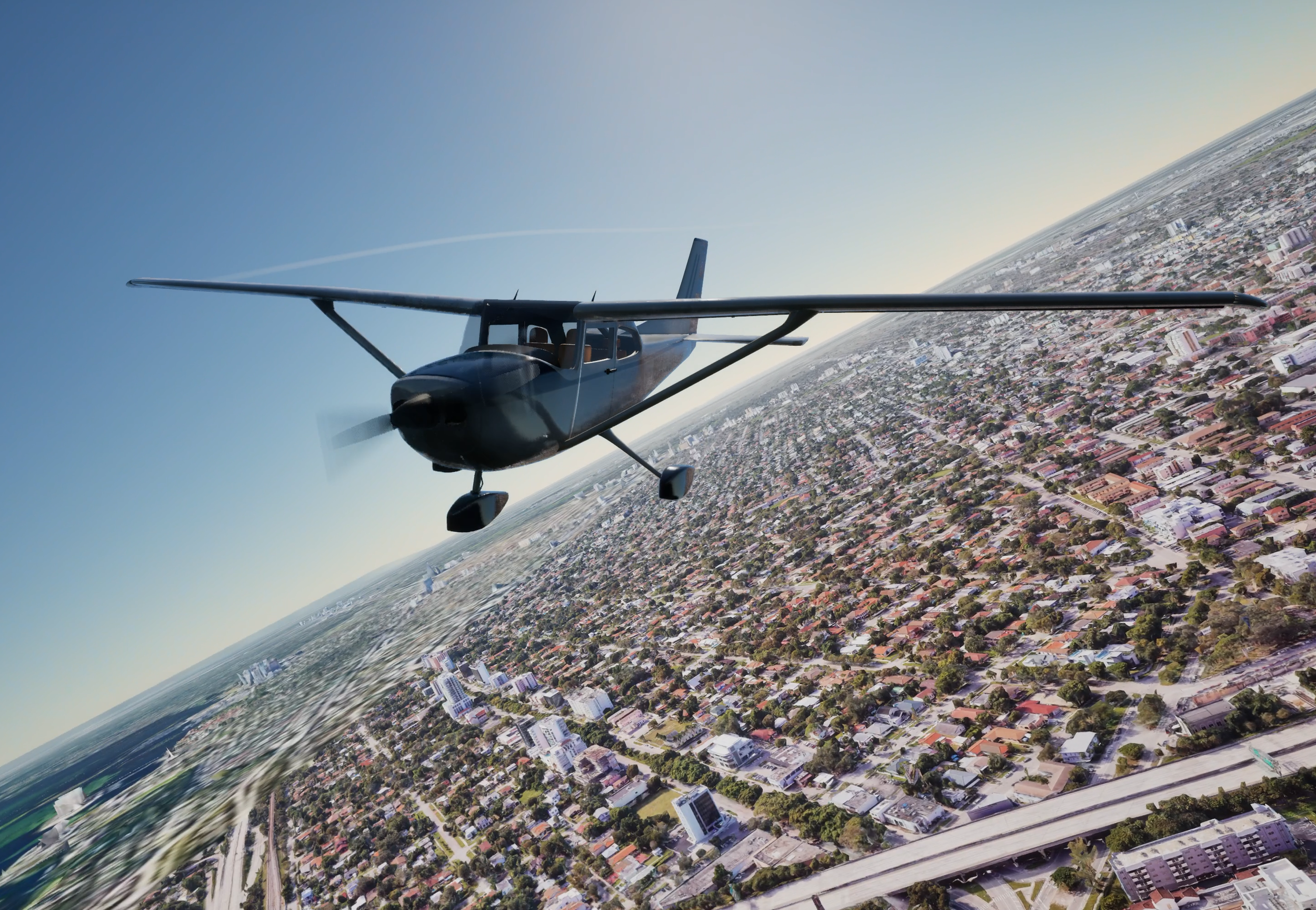
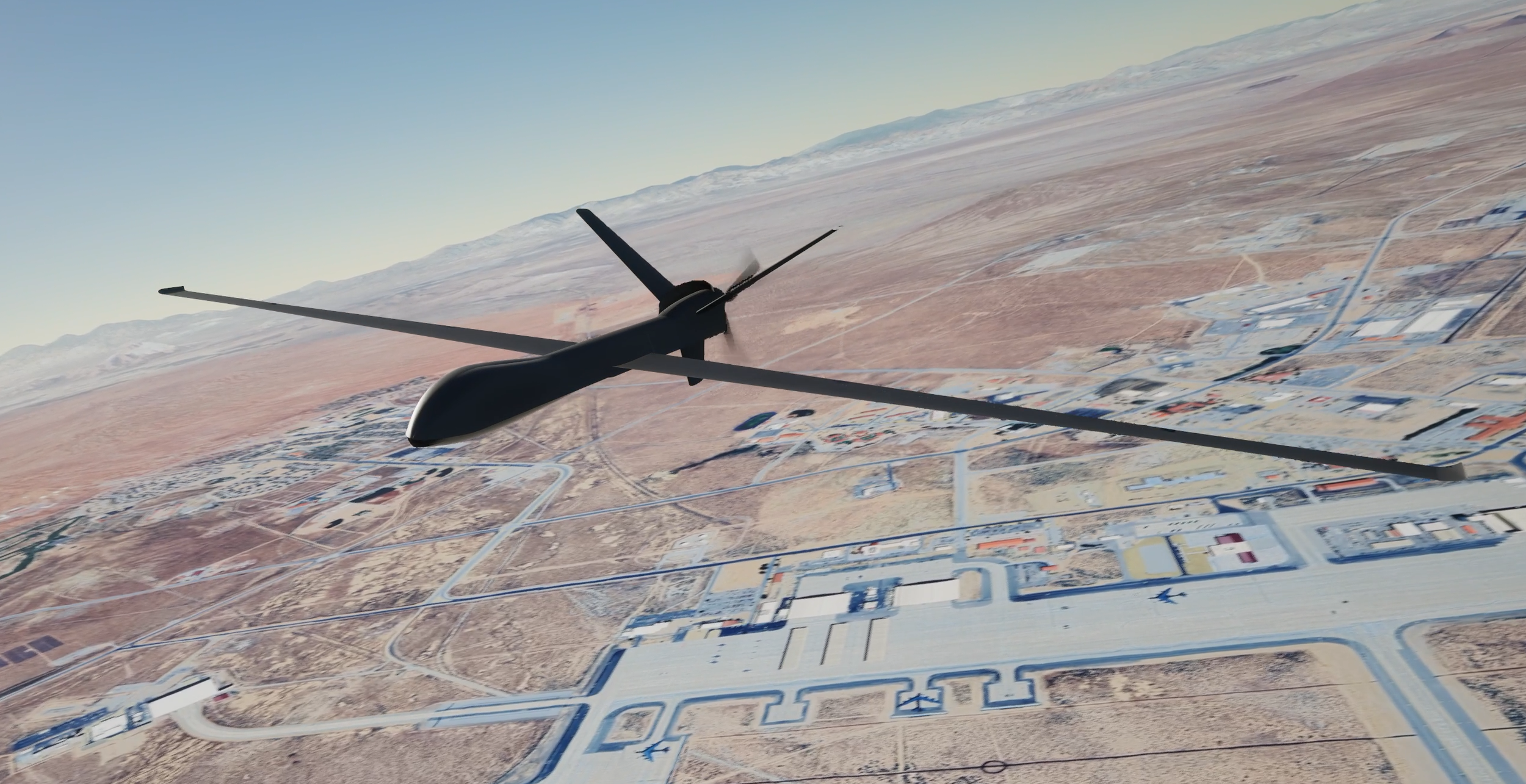
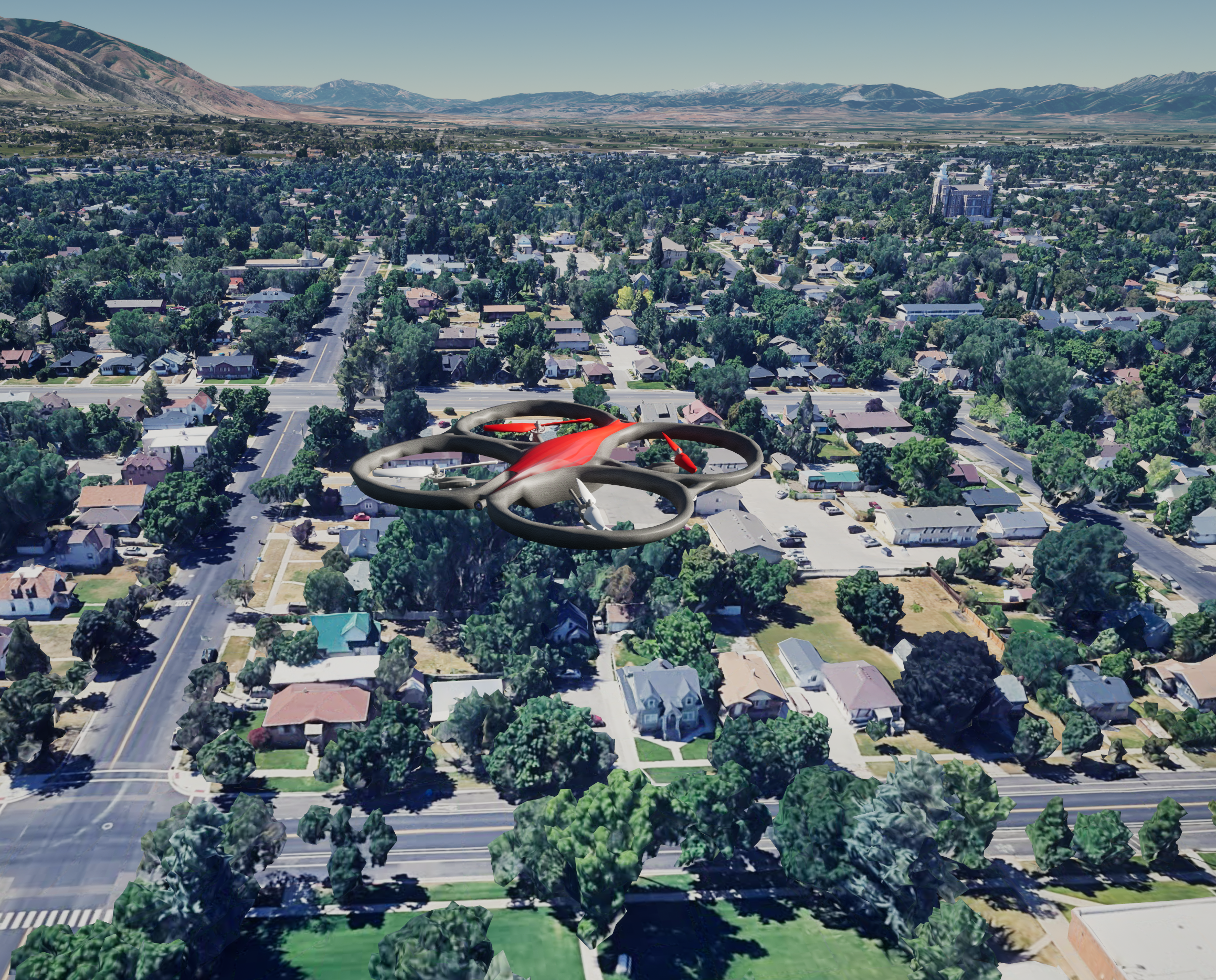
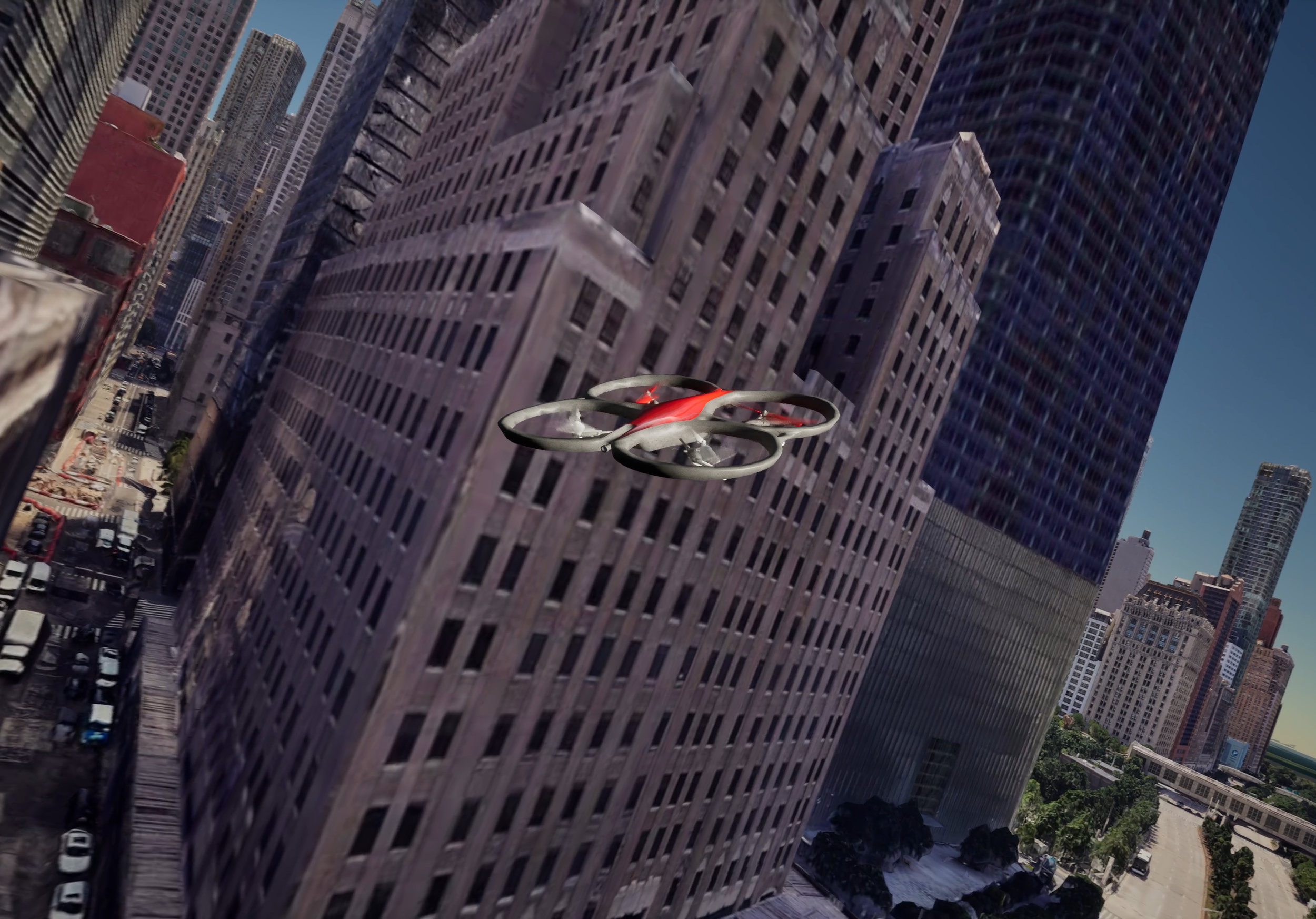
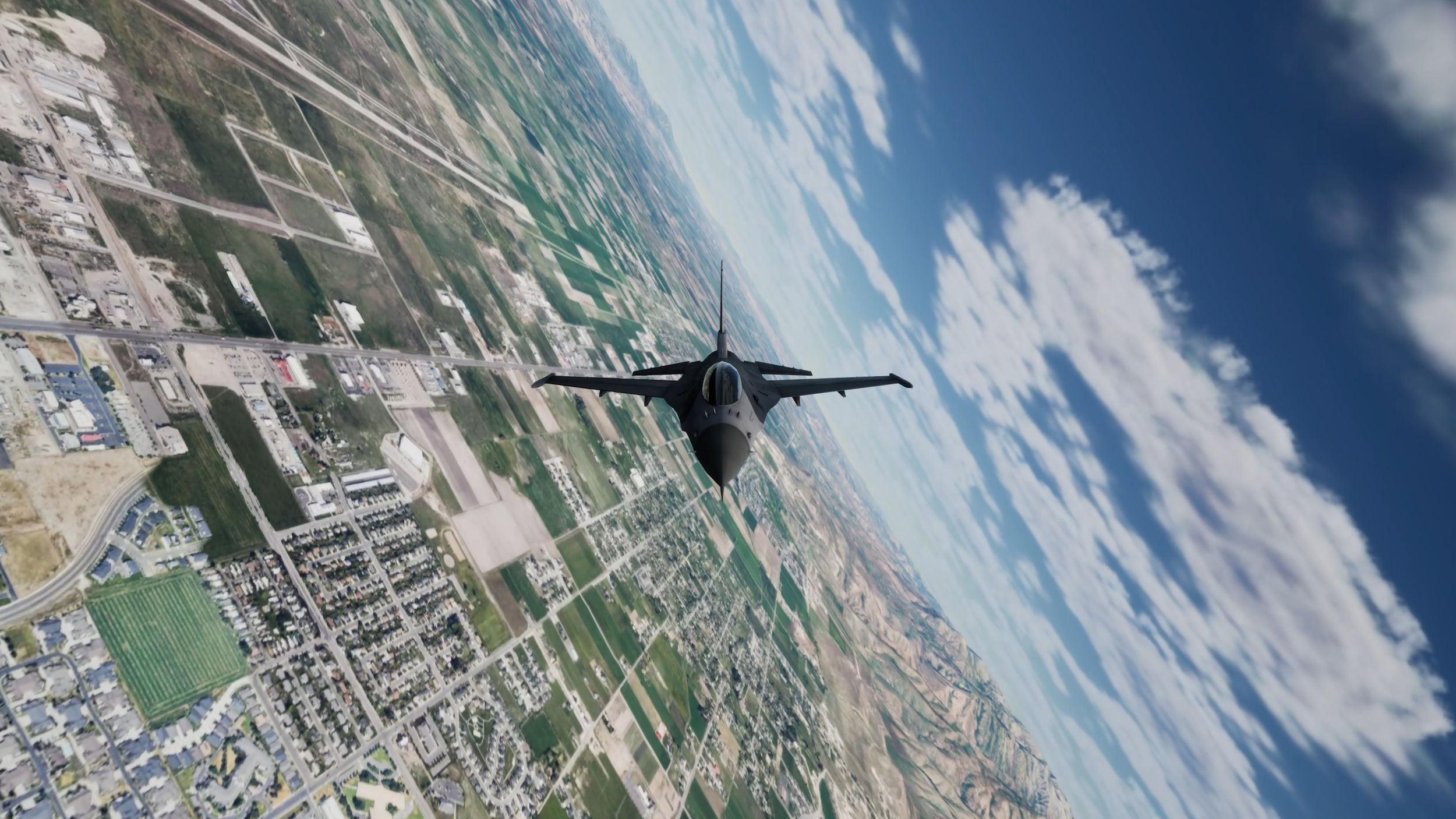
Experience a true open-world environment with global coverage — simulate flight operations at any coordinates on Earth with realistic scale, geography, and lighting.
-
Powered by Cesium’s integration with Google Earth terrain tiles, MAVRIK’s visualization delivers seamless, high-resolution terrain and 3D models for unmatched realism and spatial accuracy — including detailed buildings, vegetation, and natural terrain features for a fully immersive simulation environment.
-
The Sun and lighting environment can be configured for more accurate regional lighting conditions, including time zone, solar time, and calendar date. Additional advanced lighting parameters can also be tuned internally to achieve the desired visual environment for each simulation scenario.

Custom Vehicles
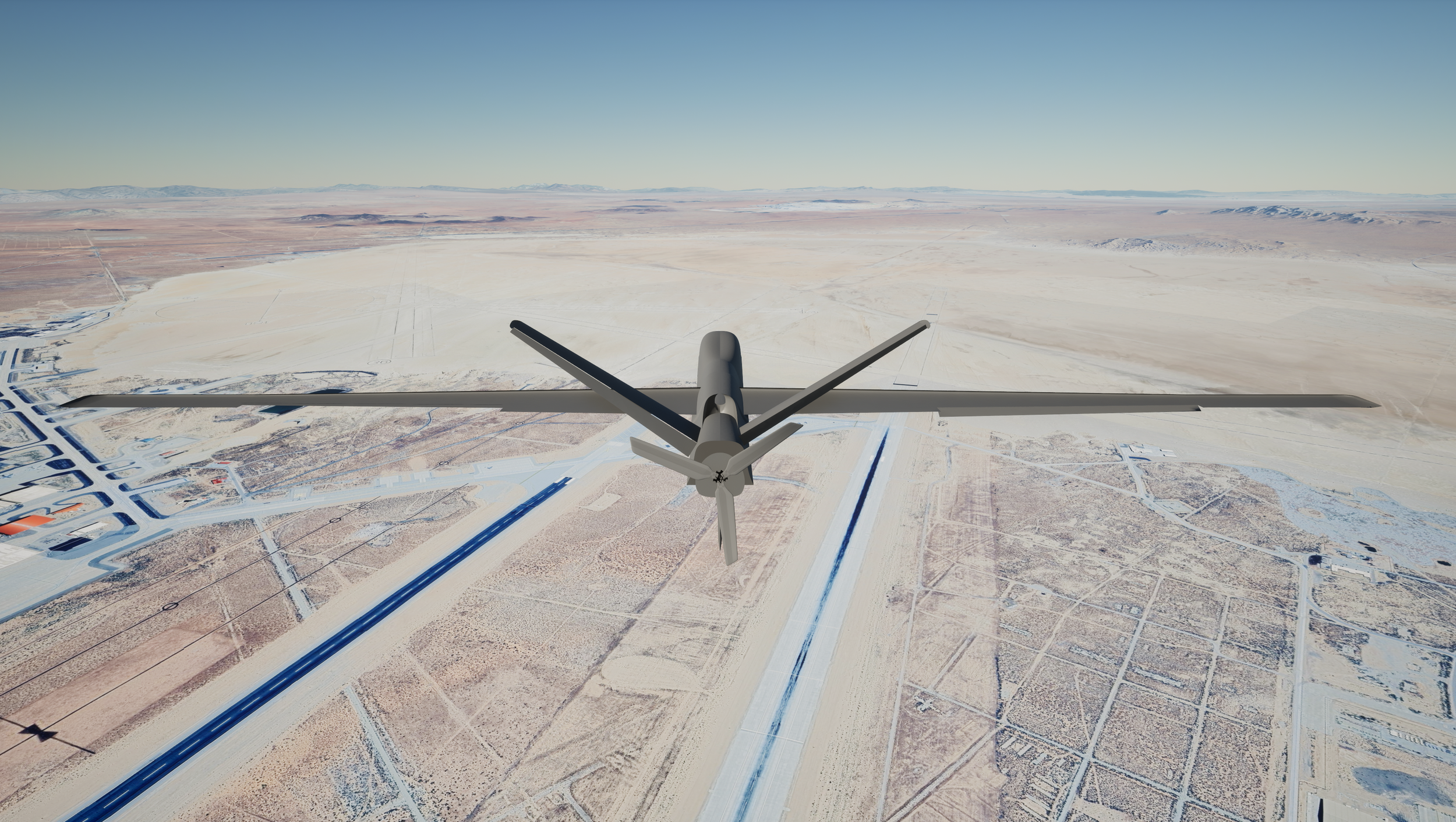
Our Unreal Engine 5 visualization environment supports custom aircraft models with a high level of visual and functional fidelity. Using your existing vehicle model, or one developed specifically for your project, we can create unique 3D geometries, apply custom materials and textures, and integrate detailed animations that represent real-world vehicle motion and control surface behavior.
Vehicle animations can be synchronized directly with simulation data, allowing motion such as propeller rotation, landing gear deployment, control surface deflection, morphing wings, and tilt-rotor transitions to be visualized in real time. This creates an immersive and accurate representation of the vehicle’s dynamic behavior throughout the simulation.
We support both rapid implementation using existing 3D models and the development of highly detailed models with custom textures, animations, and visual effects.
Whether used for engineering visualization, research, customer demonstrations, or presentation media, our UE5 integration helps ensure your vehicle looks, moves, and performs as intended within a rich, dynamic simulation environment
Camera Views
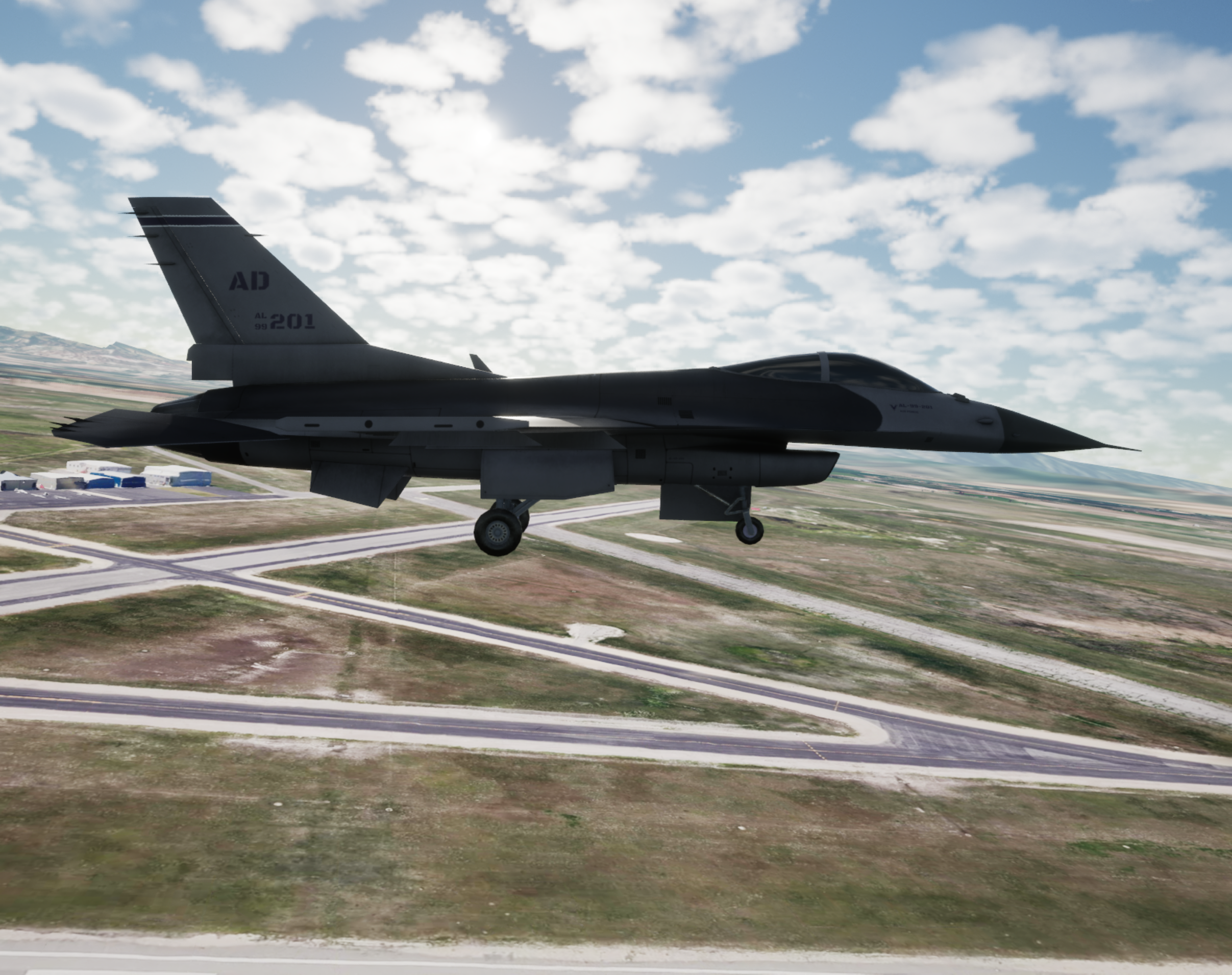
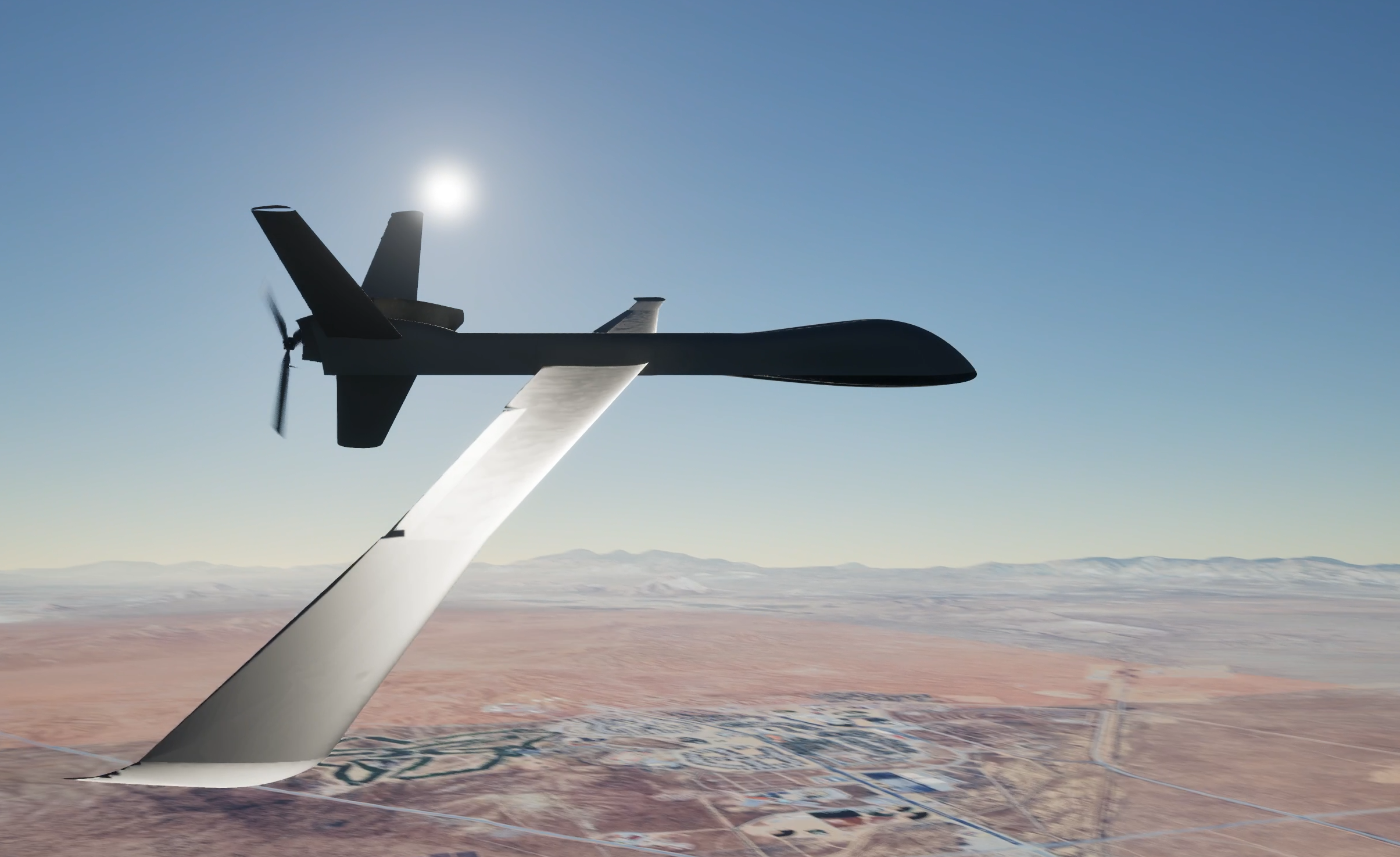
The Unreal Engine 5 environment can be configured with custom camera views and perspectives tailored to the needs of each simulation. Depending on the project requirements, Falcon Aerospace can implement fixed, chase, cockpit, free-roaming, or vehicle-mounted camera views to support both visualization and analysis.
Cameras can also be attached to specific vehicle components or programmed to respond to flight conditions, allowing simulations to capture important behaviors such as control response, stability, and vehicle performance from the most useful perspective.
For more advanced applications, Falcon Aerospace can implement an onboard payload camera that mirrors what a gimbal-mounted camera would see during flight. This simulated video feed can be encoded or streamed for use in testing control algorithms, autonomy systems, sensor-processing pipelines, target-tracking logic, or defense-related applications.
Whether the goal is to monitor flight behavior from a pilot’s viewpoint, evaluate onboard camera data, or showcase a vehicle from an external perspective,our UE5 powered visualization provides flexible visualization options built around each customer’s mission and project requirements.
Heads-Up Displays

Enhance the simulation environment with a custom heads-up display that presents key flight and system data in real time. The HUD can display information such as airspeed, altitude, attitude, orientation, control inputs, navigation states, and vehicle system status directly within the Unreal Engine 5 visualization environment.
Falcon Aerospace can tailor the HUD layout, styling, and displayed parameters to match each project’s mission requirements, aircraft configuration, or testing objectives. This allows the overlay to support anything from simple flight monitoring to more detailed evaluation of control laws, autonomy behavior, or vehicle performance.
By integrating simulation data directly into the visual environment, the HUD keeps important performance insights immediately accessible during flight testing, training, demonstrations, and analysis.
Compatibility
Our Unreal Engine 5 visualization environment is designed for universal connectivity, supporting a UDP communication interface. This flexibility allows MAVRIK and other external systems—such as flight simulators, telemetry sources, or real flight vehicles—to seamlessly exchange data with the visualization environment.
Through these standardized communication protocols, UE5 can visualize live or simulated telemetry, enabling integration with custom flight software, control systems, or third-party simulation tools. This open architecture ensures that UE5 can serve as a powerful visualization platform for virtually any aerospace application.